

LightMap SNOW Station

Now taking orders for the holidays - Shipping starts November 1st

Know if it's a powder day before you check your phone.

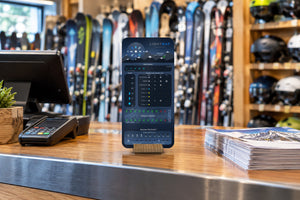
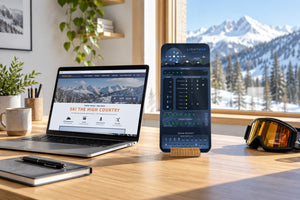
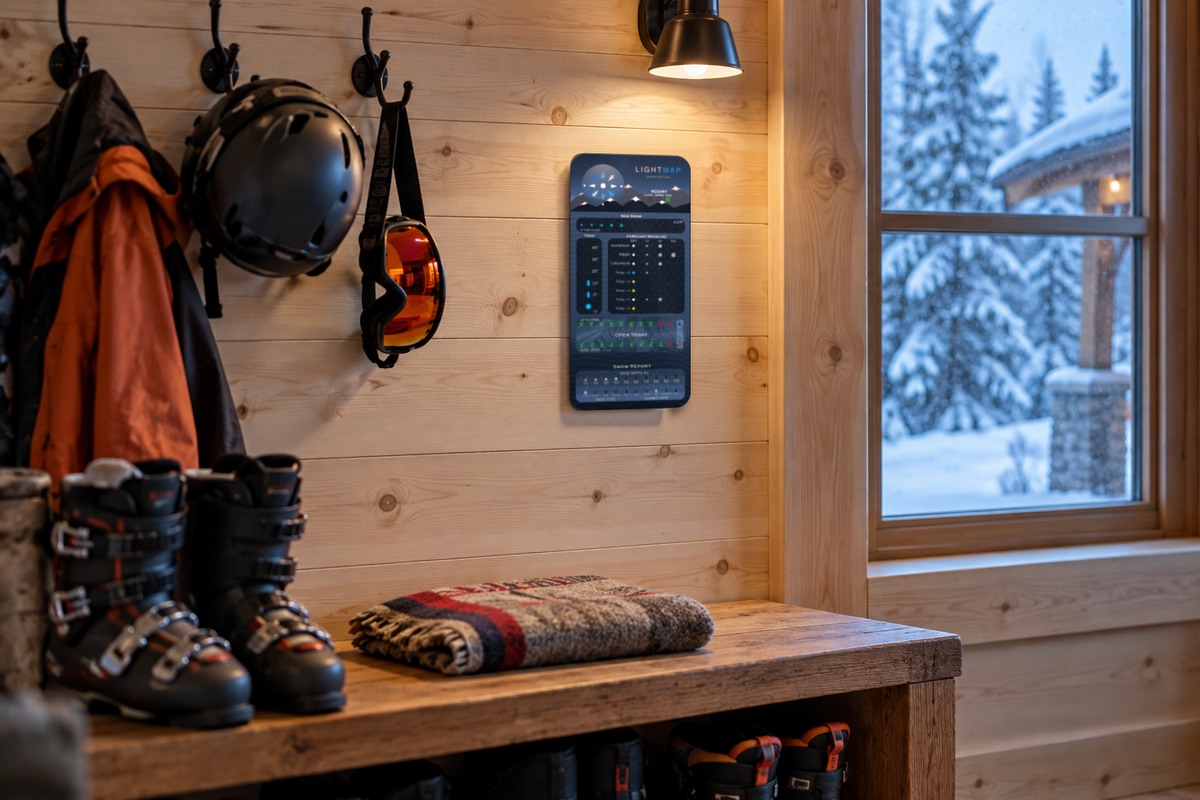
The LightMap SNOW Station lights up live conditions for your favorite ski resort on your wall or desk. Pick your mountain, plug it in, and it updates itself all day.

  • New snow + powder alert
  • 8-day snowfall
  • Lifts & runs open
  • Base depth & surface
  • Summit temp
  • Switch resorts anytime
$12per year
Live data subscription required

Resort conditions are powered by OnTheSnow. The SNOW Station requires a LUMIQ data token subscription, $12 per year, which can be purchased during the product setup process.

Only 140 left in stock!

Now taking orders for the holidays! Shipping begins November 1st.
New snow • Base depth • Lifts & runs • Forecast

Know it's a powder day before you check your phone

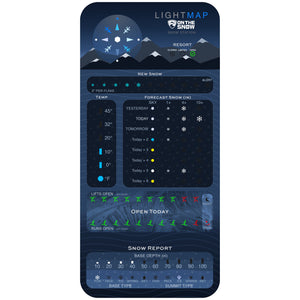
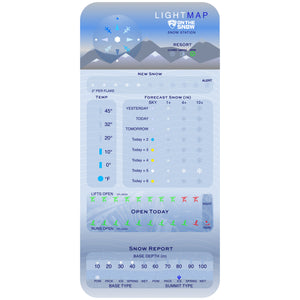
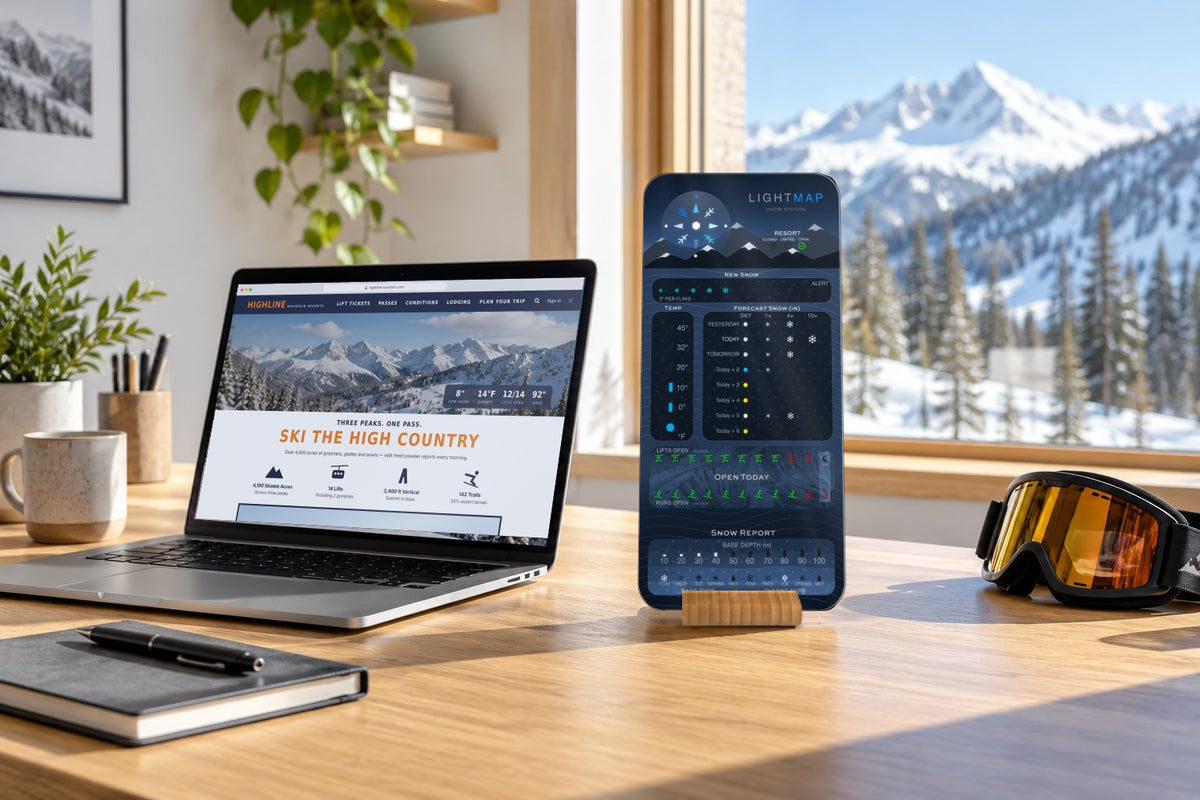
The LightMap SNOW Station shows live conditions for your favorite ski resort in lights on your wall or desk. New snow, base depth, lifts and runs open, surface conditions, summit temperature and the week's snowfall outlook, all in one glance.

Pick your mountain and it does the rest.

Read the mountain in three rules

Every part of the face follows the same ideas, so once you know these you can read the whole station from across the room.

White means snow
Glowing white flakes are snow: fresh overnight, falling now or on the way. More flakes, more snow.
Red to green
Lifts and runs light green when most of the mountain is open, amber when it's partly open and red when very little is spinning.
Pulsing means pay attention
A pulsing light is the station waving at you, like the Powder Alert after a big overnight dump.
Sky + Resort

Is it open, and what's the sky doing?

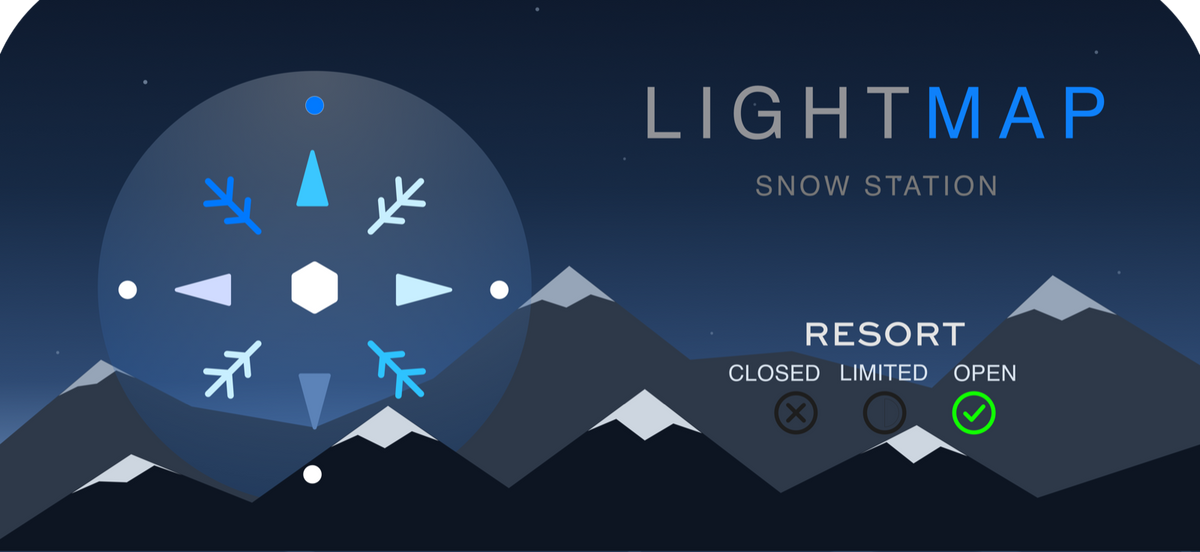
The big icon at the top shows the sky on the mountain right now. It twinkles as a snowflake when it's snowing, turns into a sun on bluebird days and dims for clouds and fog.

Next to it, the resort lights read Closed, Limited or Open, straight from the resort's own report.

On the hill: A twinkling snowflake and a green Open light is the best combination on the board.
New Snow

How much fell overnight

Ten snowflakes, two inches each, show the last 24 hours of snowfall, from a dusting up to 20 inches.

When 6 inches or more falls overnight, the Powder Alert lights up and pulses so you know it's time to call in "sick."

On the hill: Check it before your alarm goes off. If Alert is pulsing, you're already late.
Temp

Summit temperature

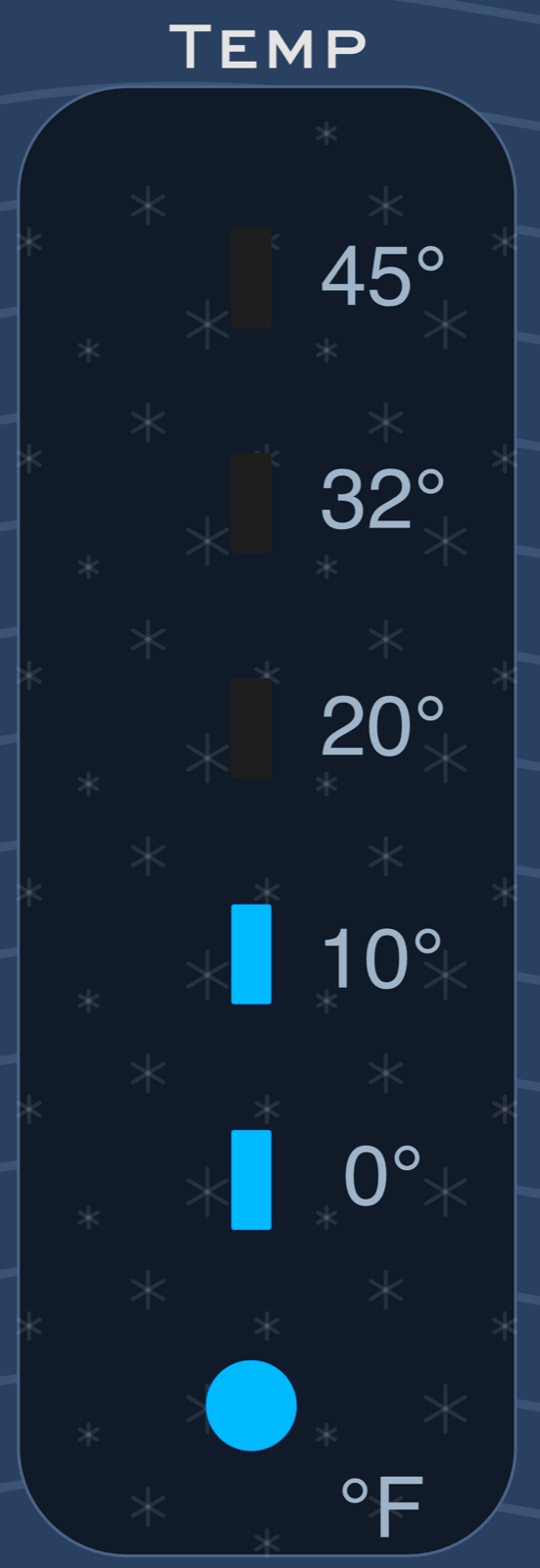
The thermometer shows how cold it is at the top of the mountain. It glows blue below freezing and turns warm colors above, so you can tell a cold, dry powder day from a soft spring afternoon at a glance.

On the hill: Blue thermometer: grab the neck gaiter. Orange: think about the goggle tan.
Forecast Snow

Yesterday, today and the week ahead

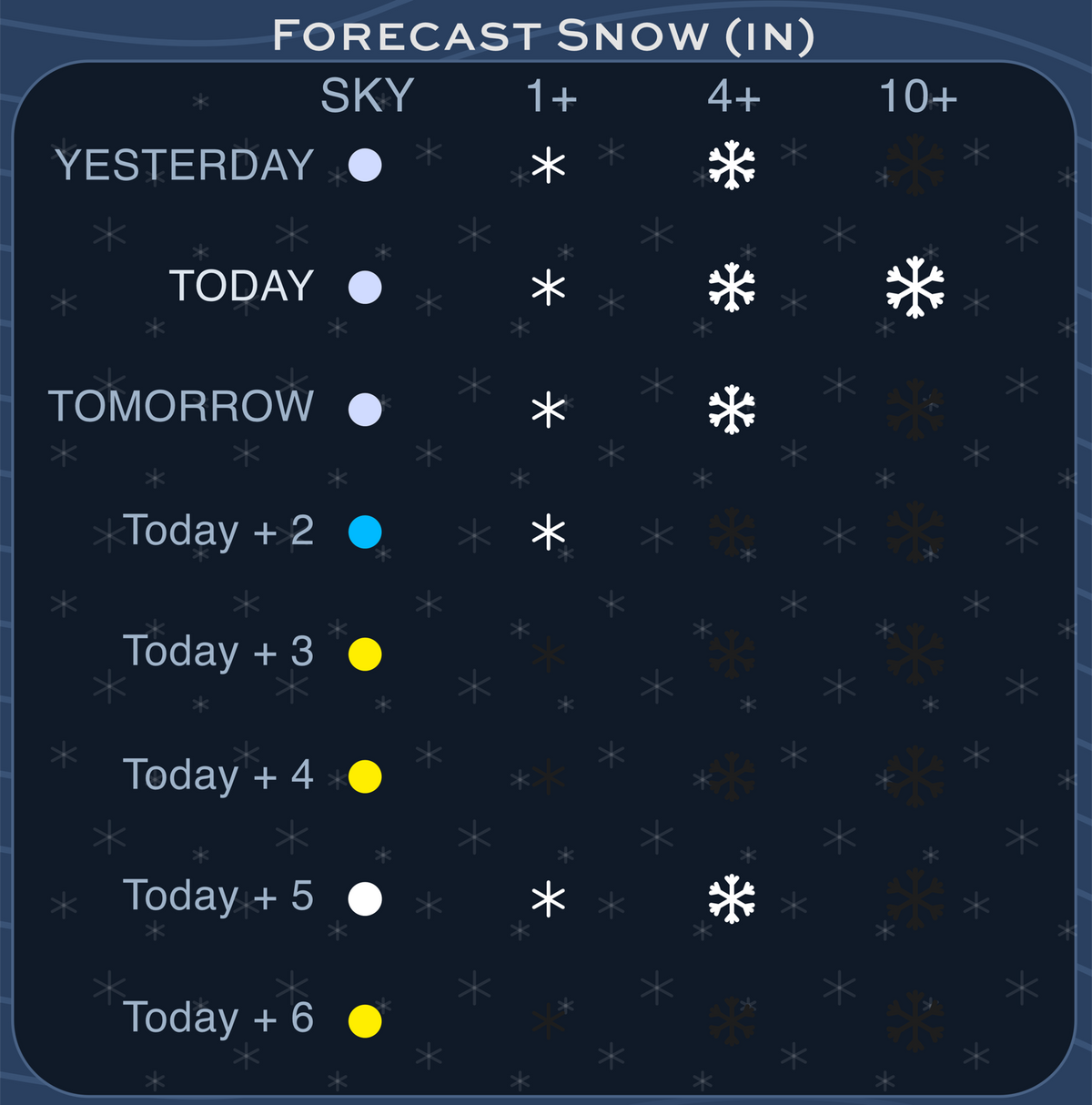
Eight rows show yesterday's snowfall, today and the next six days. A dot on each row shows the sky, and up to three flakes show how much snow is coming, from a light refresh to a deep day.

Plan the trip around the storm instead of finding out on the drive up.

On the hill: Look for big flakes stacking up mid-week. That's when to book the weekend.
Open Today

Lifts and runs open

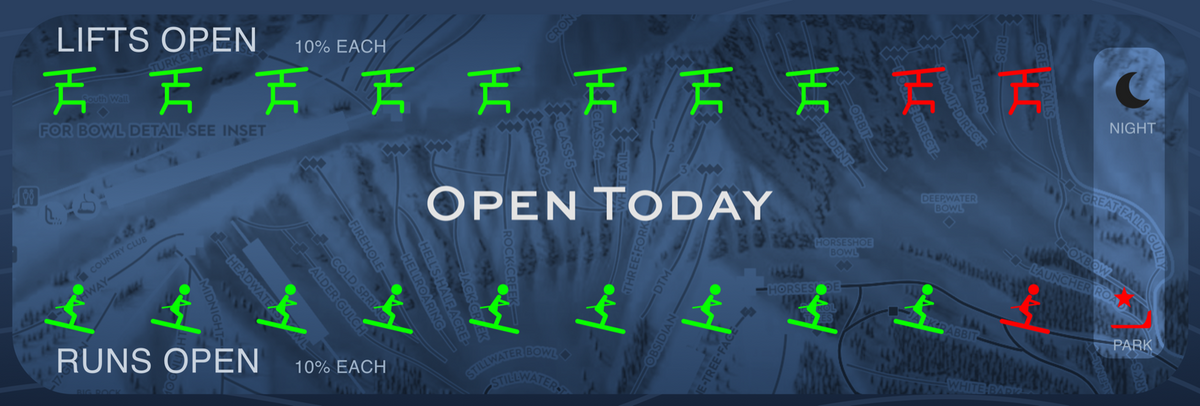
Two rows of ten lights, 10% each, show how much of the mountain is spinning and how much terrain is open. Green means most of it, amber means some and red means just a little.

Two extra lights show when night skiing is running and when the terrain park is open.

Snow Report

Base depth and surface

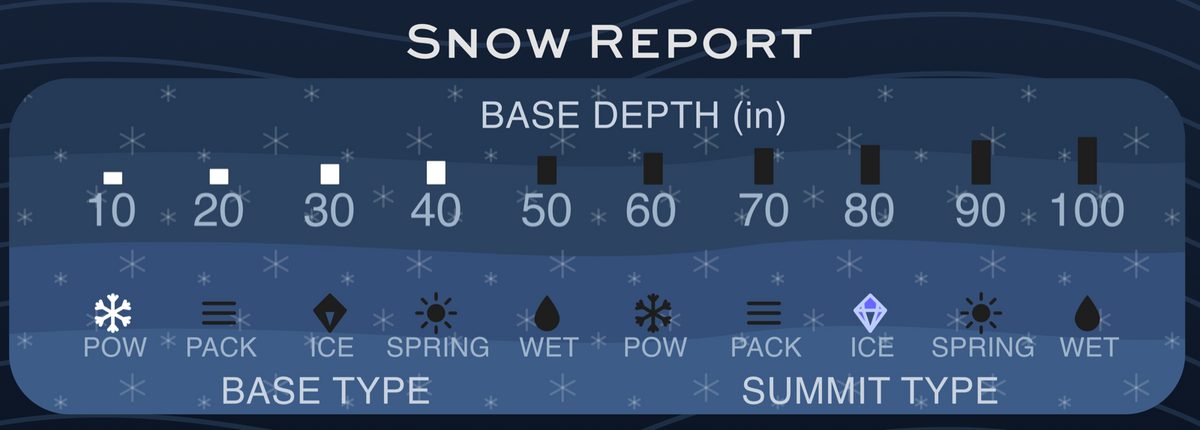
The base depth bars fill from 10 to 100+ inches. Below them, two rows of icons show the surface at the summit and the base: powder, packed, ice, spring or wet.

On the hill: Packed up top and spring at the bottom? Start high in the morning and work your way down after lunch.
Setup

Pick your mountain

Plug it in, connect it to your 2.4 GHz WiFi and choose your resort. The SNOW Station pulls official resort snow reports and mountain weather forecasts and refreshes on its own throughout the day.

Headed somewhere new? Switch resorts and other settings anytime from the LightMaps dashboard.

Good to know: The 24V wall adapter is included.
$12per year
Live data

Your LUMIQ data token

The SNOW Station's resort conditions are powered by OnTheSnow. To receive that live data, each station needs a LUMIQ data token subscription for $12 per year.

You don't need to buy anything extra at checkout here. You'll set up the token when you set up your station.

  1. 1Plug in your SNOW Station and connect it to your 2.4 GHz WiFi.
  2. 2Buy your LUMIQ data token through our secure Stripe checkout.
  3. 3Choose any ski resort in the world, and your station starts showing live conditions.
Payments are processed by Stripe. LUMIQ never sees or stores your card details.
How it's made

LUMIQ Technology

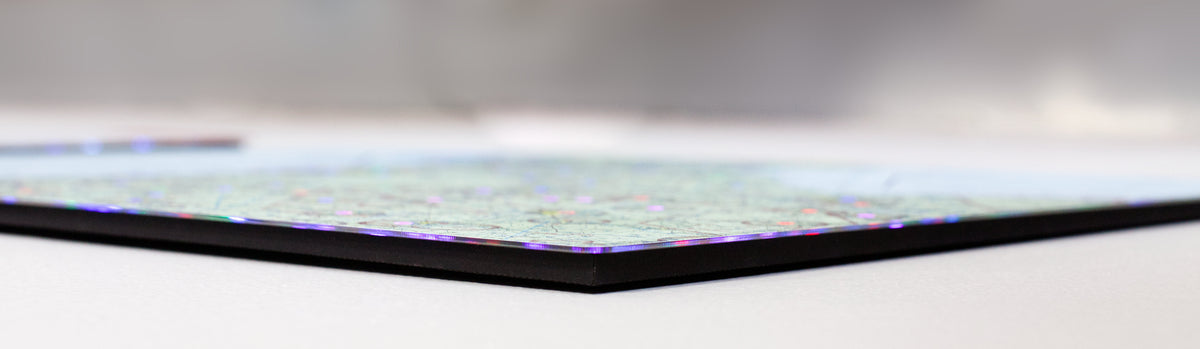
The SNOW Station is made with our direct-to-acrylic process. The front face is printed with rich UV-cured inks, and a thin LED core lights the icons in bright, clear colors. It's built on the same frameless, rounded-corner panel as the rest of the LightMap family and sits in a natural bamboo stand.

Technical Specifications

  • Dimensions: 5.5 x 11.5 inches
  • Thickness: ~1/4 inch
  • Power: 24 VDC, wall outlet adapter included
  • Connectivity: WiFi 2.4 GHz
  • Weight: < 1 lb
  • Natural bamboo stand
  • Not for outdoor use

Search